Same-day delivery • Free edits • 100% hand-drawn
EMBROIDERY VECTOR FILE SERVICE
Vector.Center provides professional vector files for embroidery for US embroidery shops, apparel brands, and businesses. We manually recreate logos, images, and sketches into clean, scalable vector artwork for caps, uniforms, jackets, and patches. Our artwork features well-defined shapes and outlines to support accurate embroidery digitizing. Files are available in AI, EPS, SVG, and PDF formats.
AI · EPS · SVG · PDF
⚡ Same-day delivery
Every path traced manually
Simplified for clean sewing
Fast turnaround on most jobs
Revisions until it's right
Honest, upfront pricing
Our Work
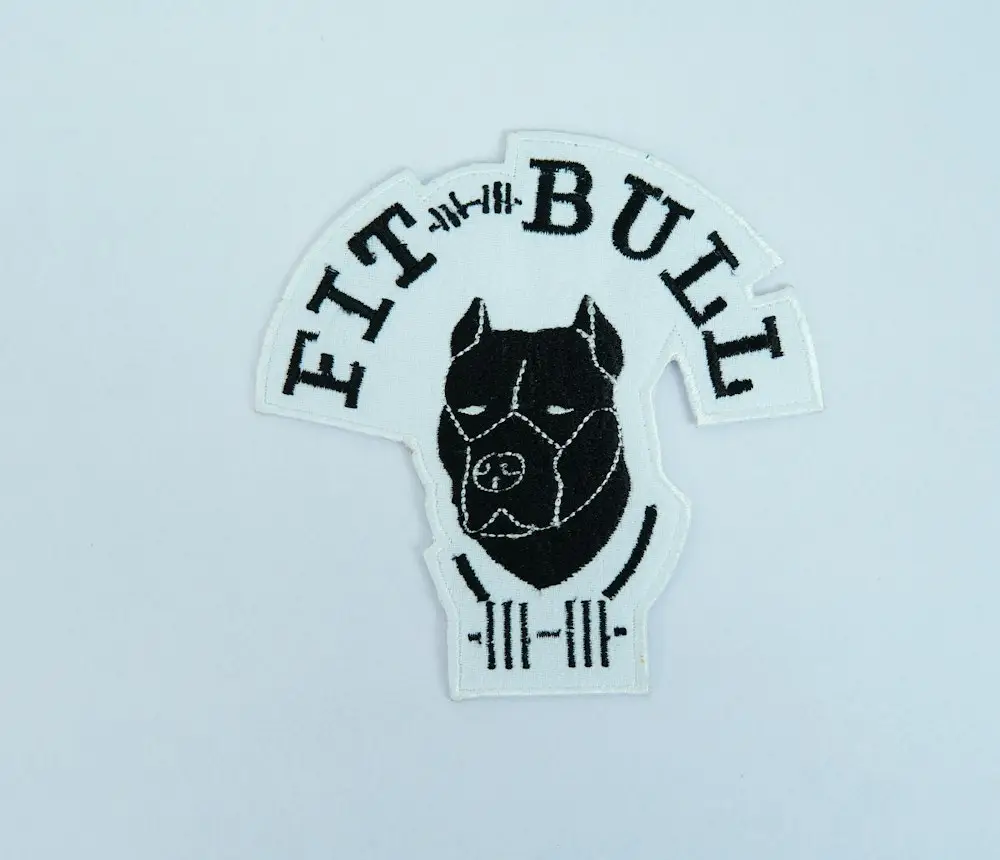
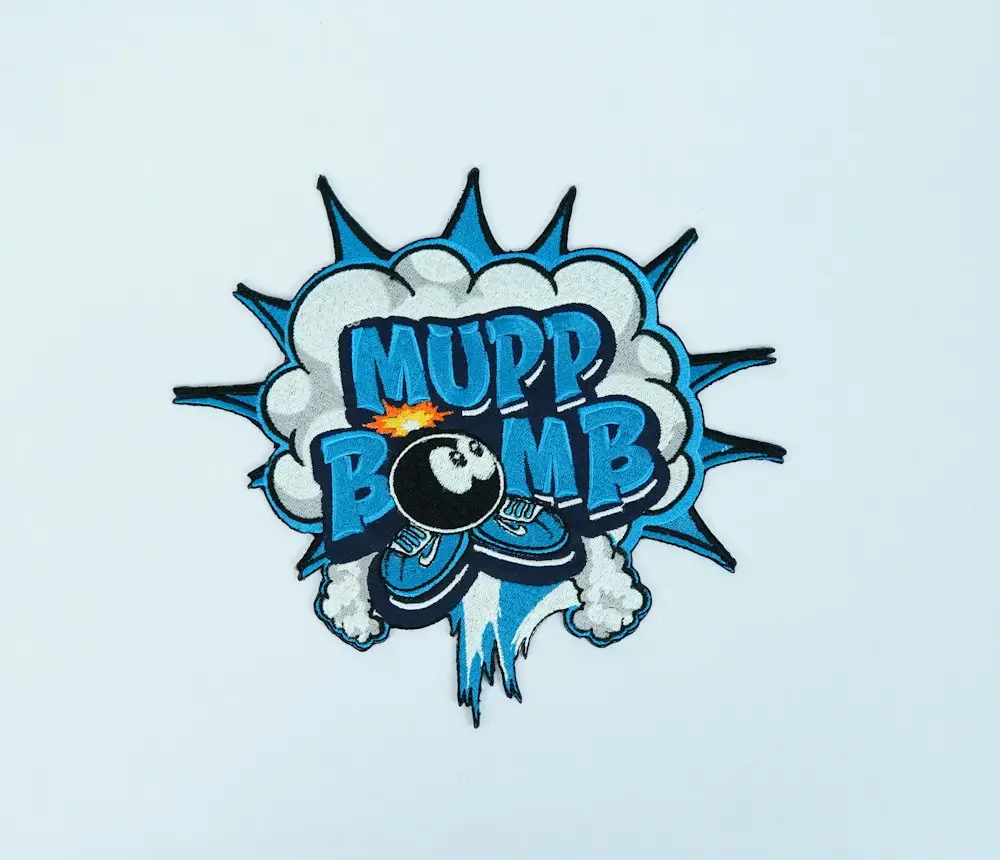
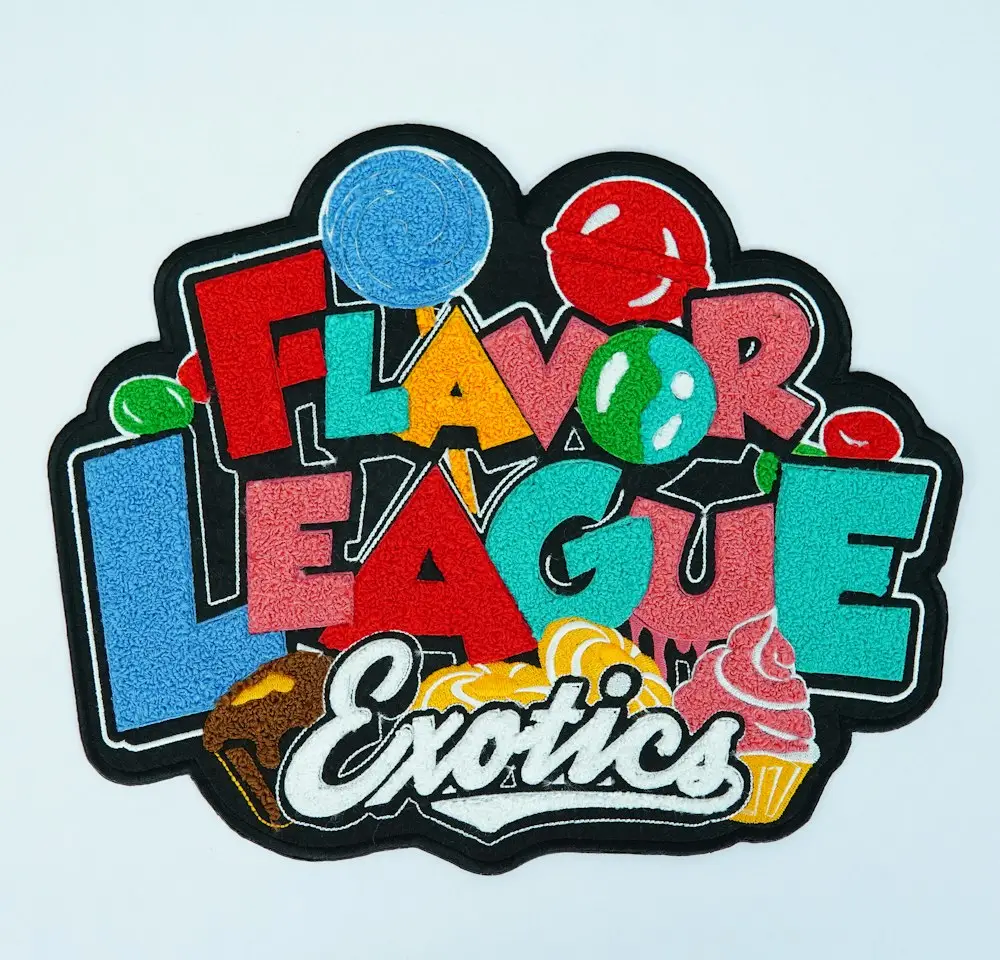
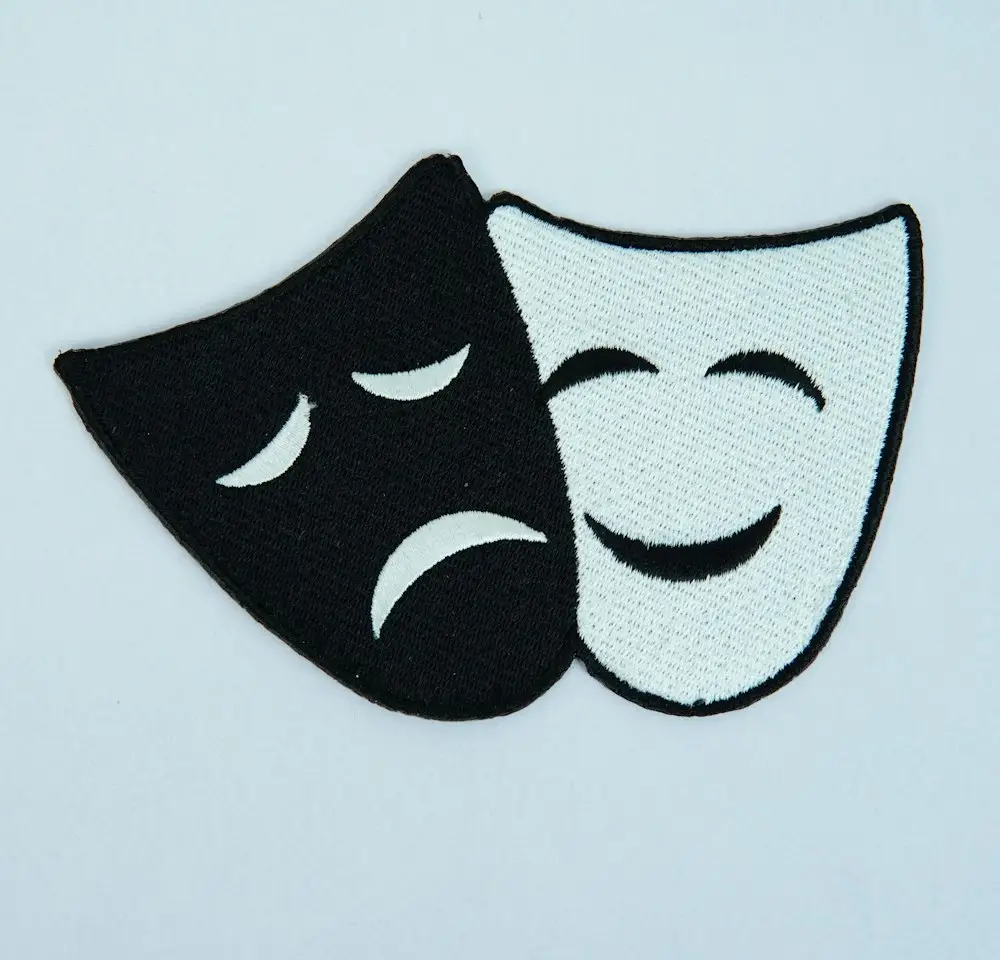
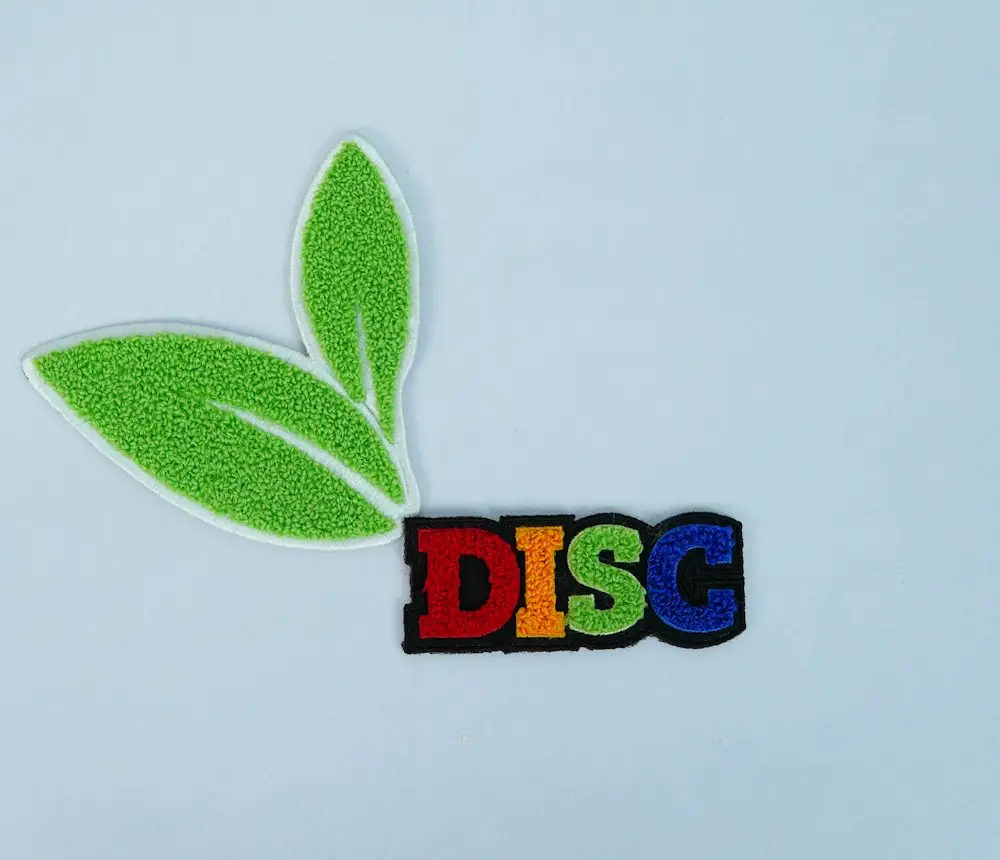
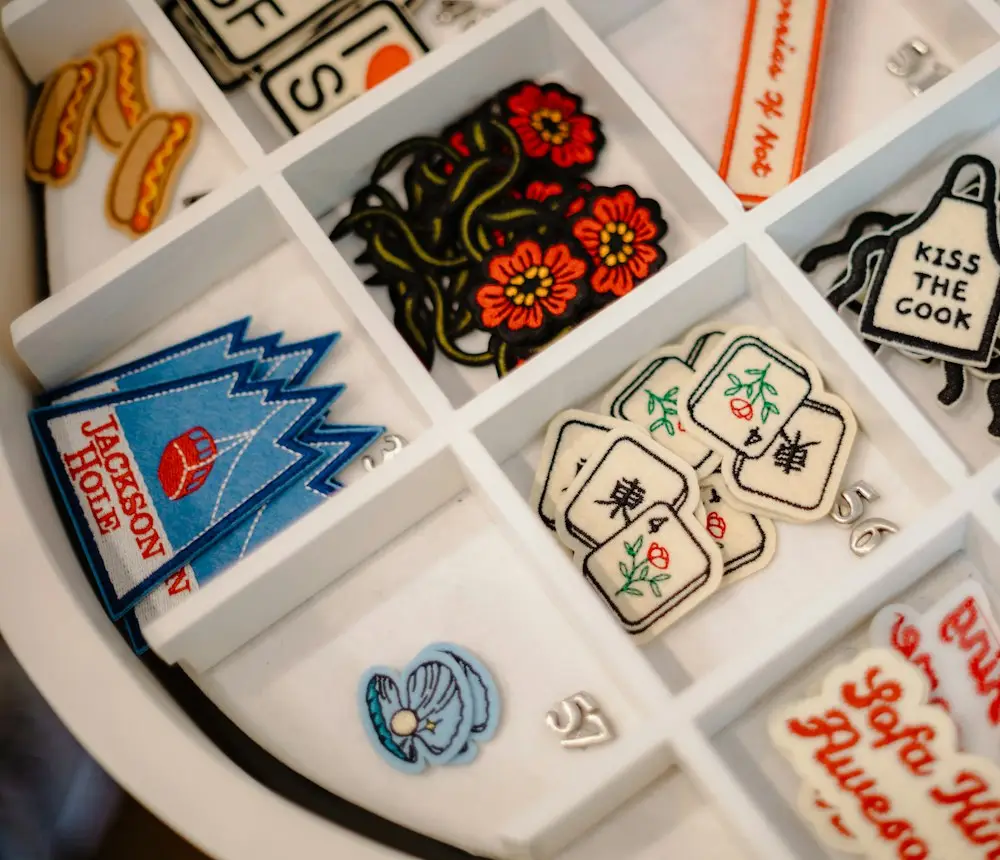
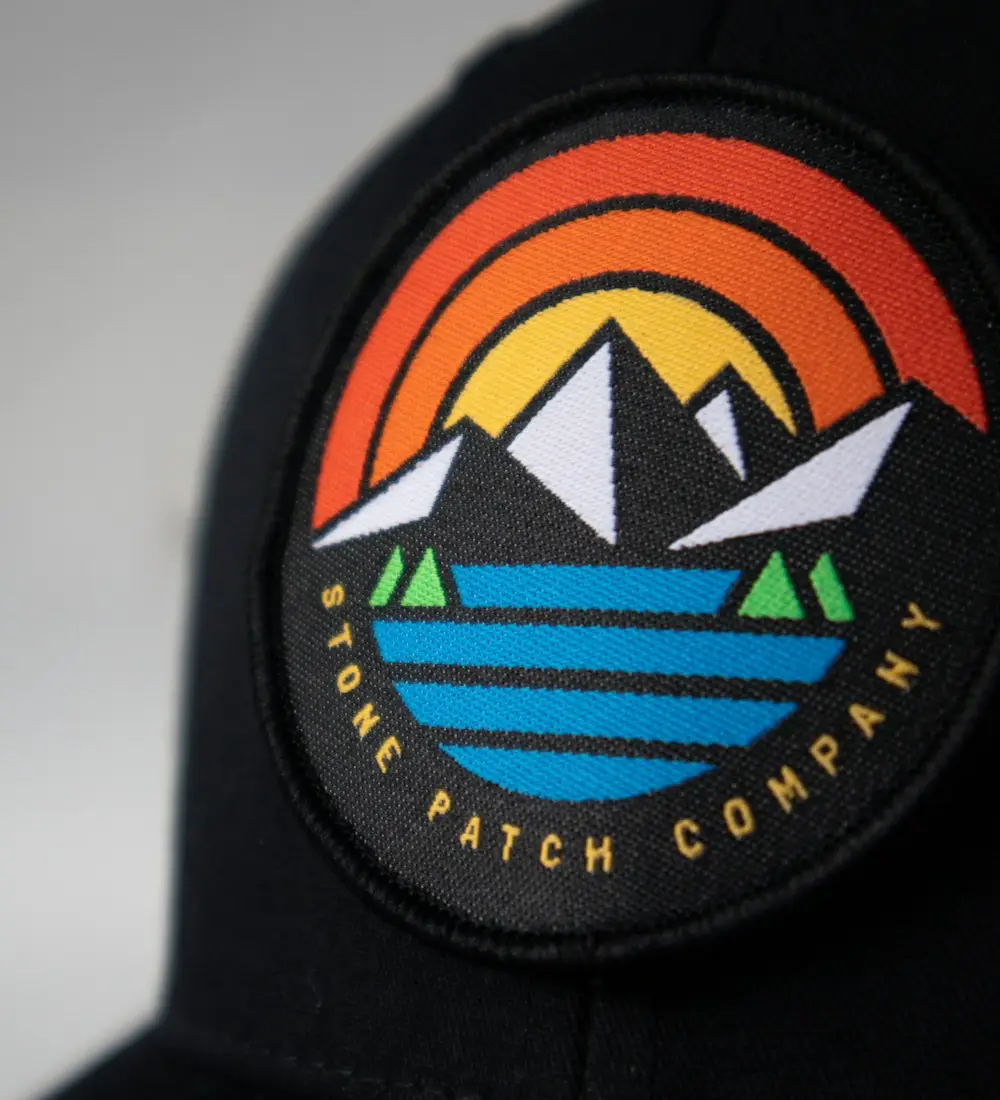
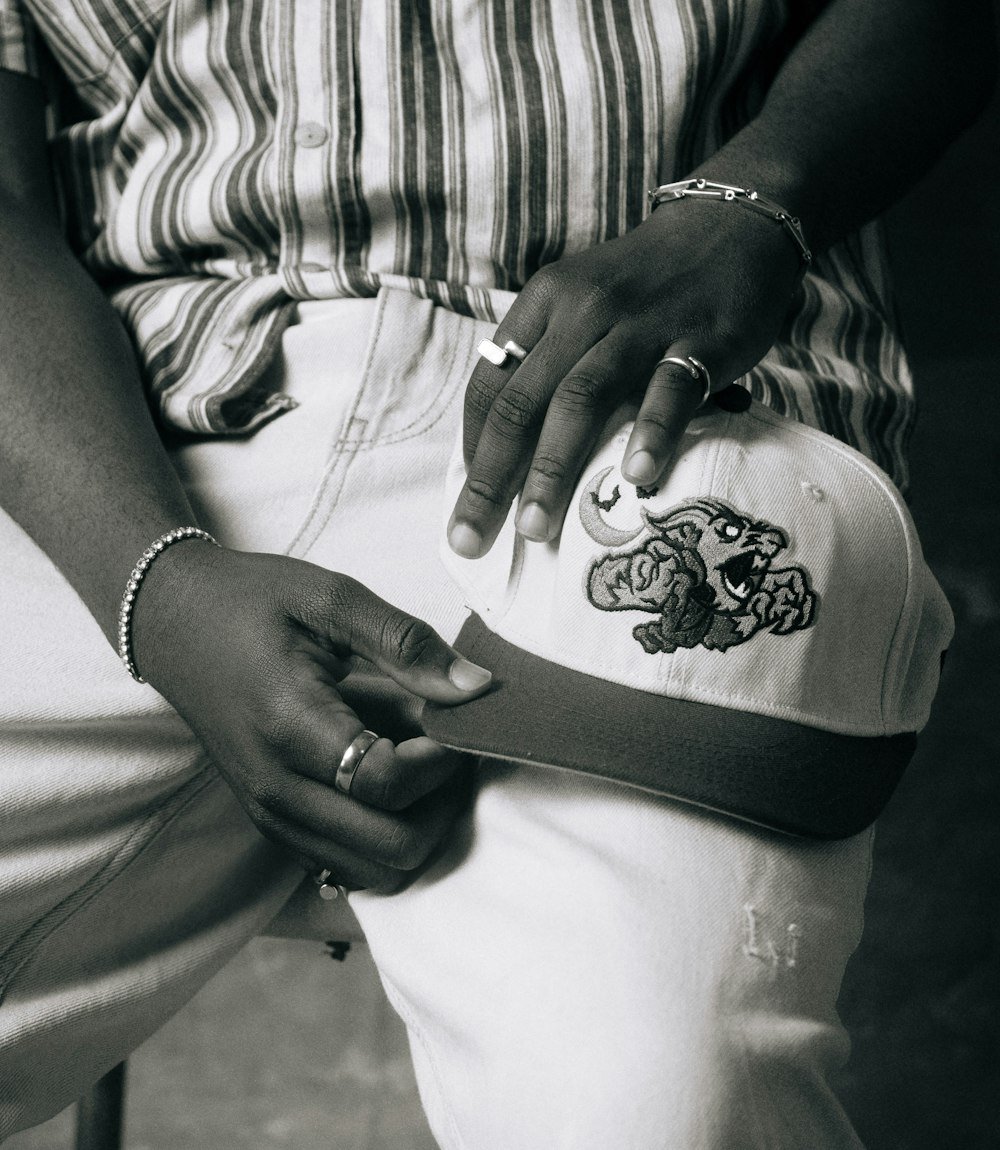
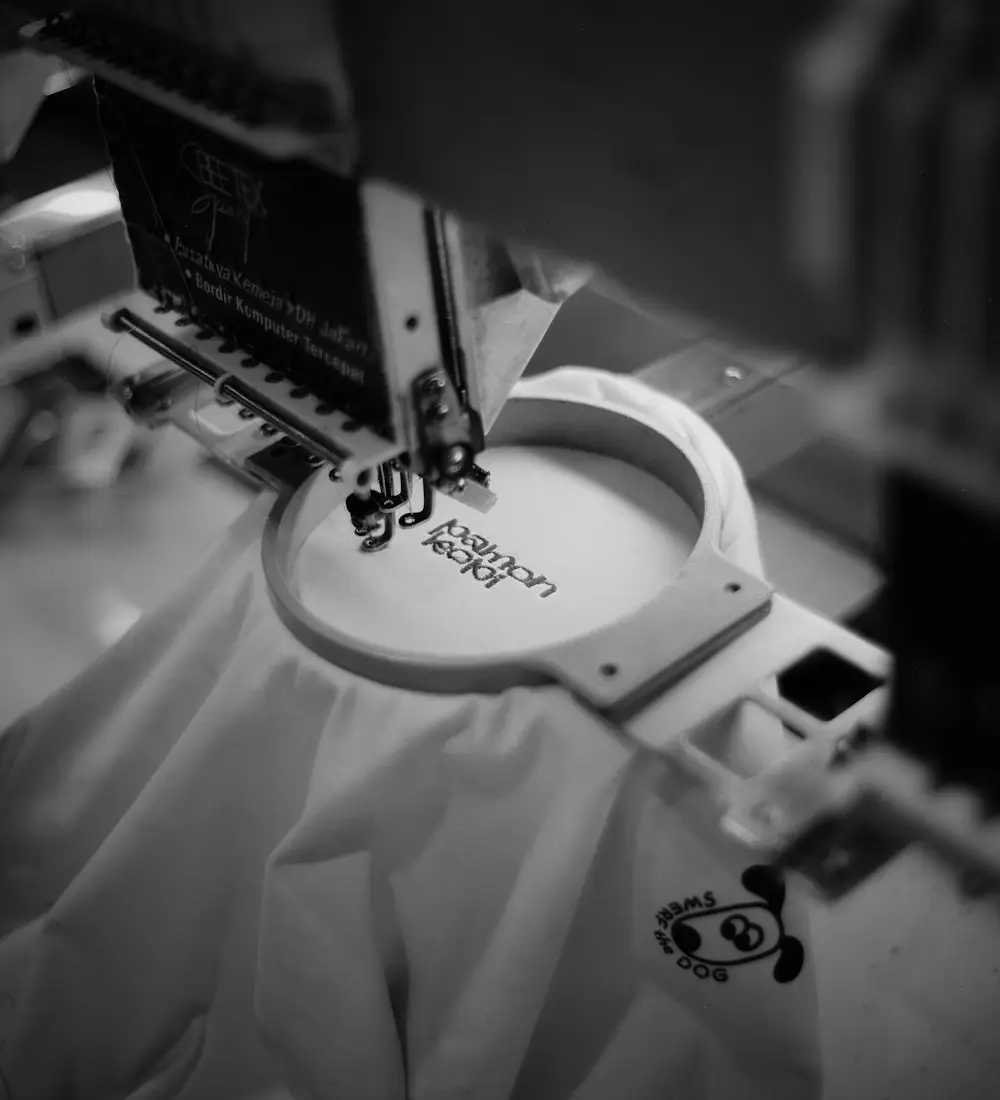
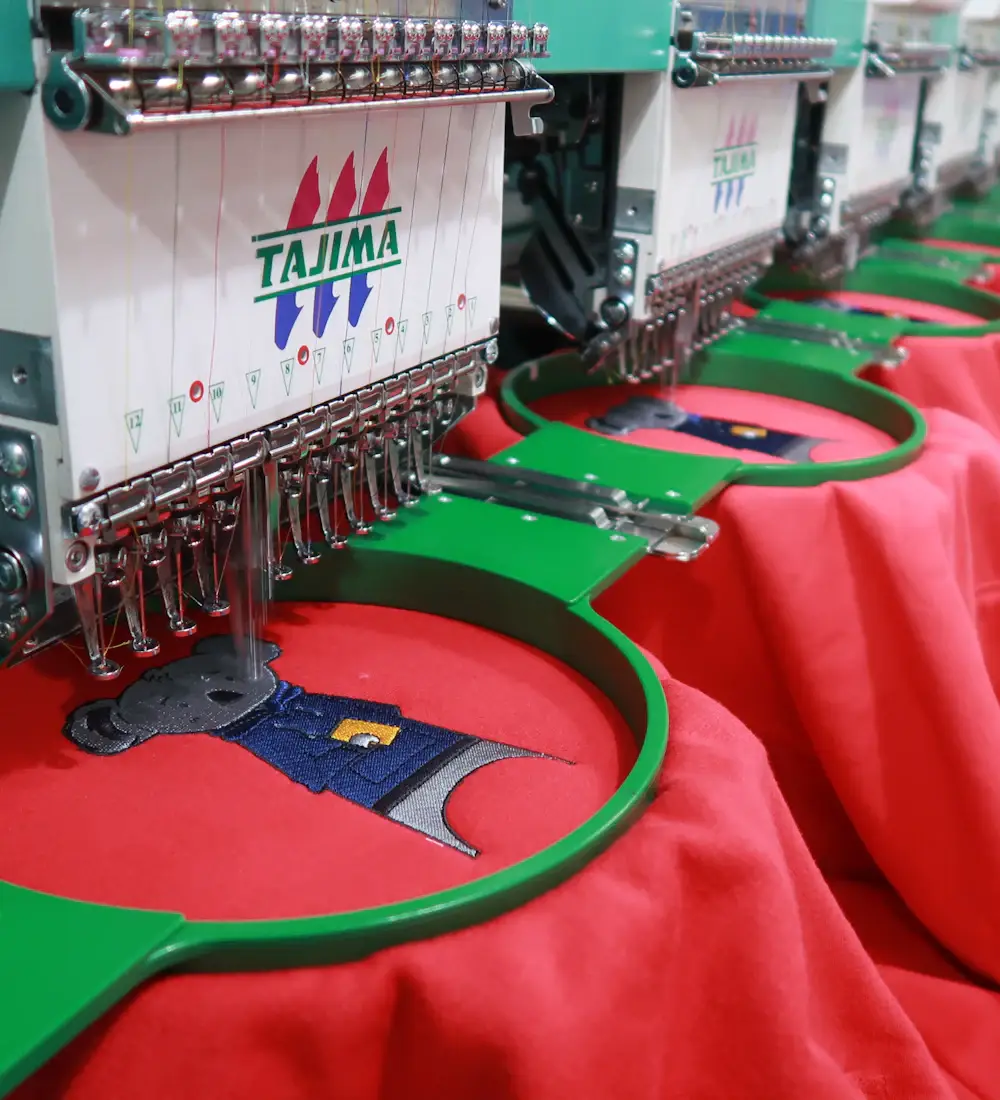
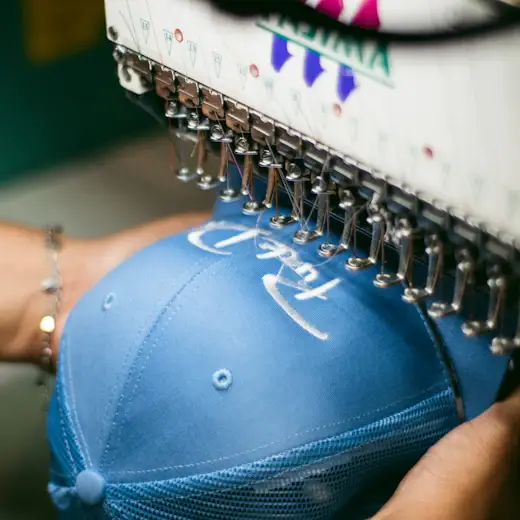
Every sample below started as a customer’s logo, sketch or low-res image. We hand-traced it into a clean, stitch-ready embroidery vector file, which was then digitized and sewn onto patches, caps and apparel with crisp, accurate detail.
THE BASICS
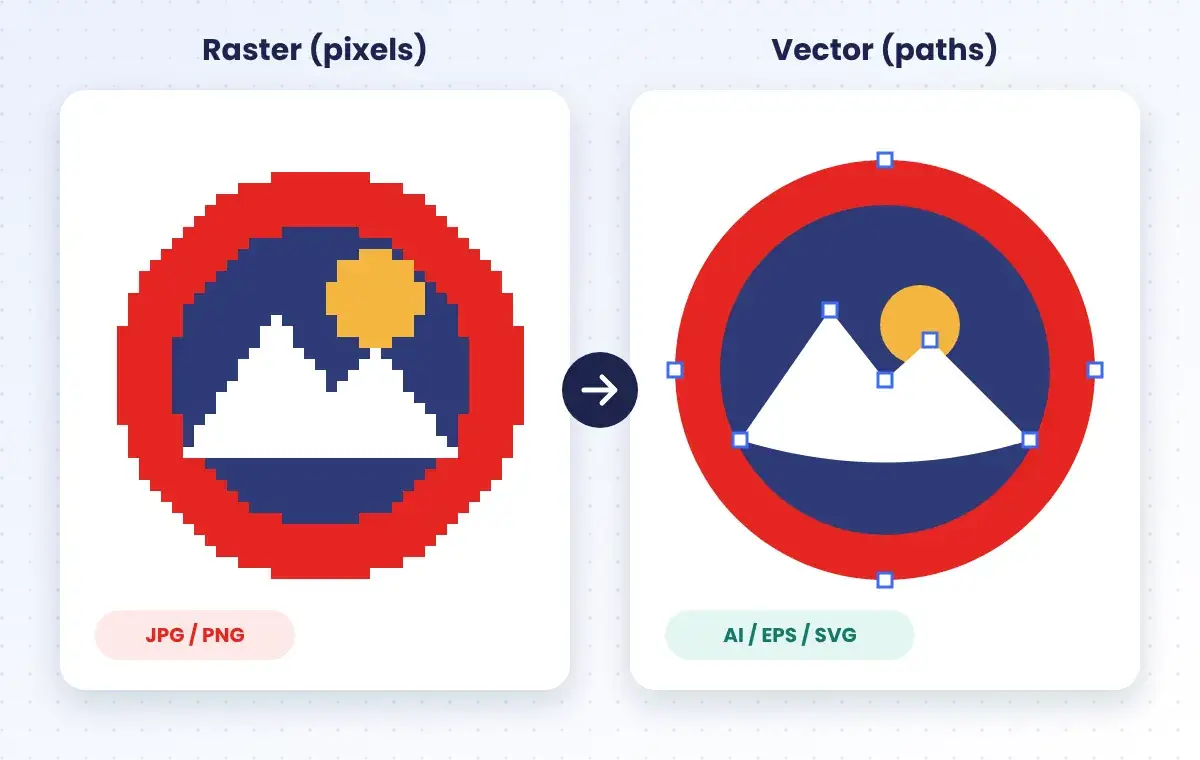
An embroidery vector file is artwork built from mathematical paths and solid color shapes instead of pixels. Because it is made of points and curves, it can be scaled from a 1-inch cap logo to a 12-inch jacket back without blurring or jagged edges.
Digitizers rely on clean vector files for embroidery to plan stitch direction, density and underlay. A pixelated JPG forces them to guess every edge — a crisp vector gives them exact shapes, so your design sews out exactly as intended.
FILE FORMATS
Not every file that says “vector” is truly editable. These are the formats digitizers and embroidery shops ask for most — we deliver all of them with every order.
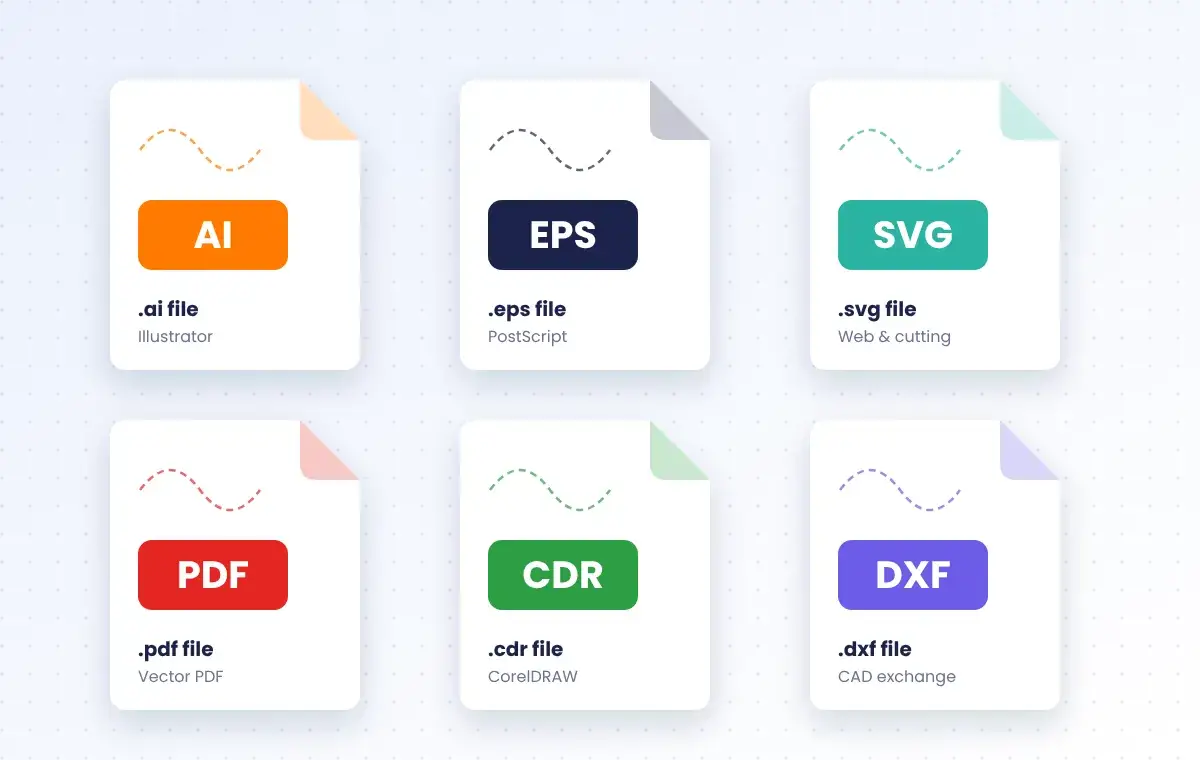
The native Adobe Illustrator file. Fully layered and editable — the first choice of most digitizers.
Opens in Illustrator, CorelDRAW and most embroidery software. Ideal for sharing with any shop.
Lightweight and open. Great for websites, Cricut / vinyl cutting and many auto-digitizing tools.
A vector PDF keeps paths intact and is easy for clients to open and approve.
HOW WE PREP YOUR ART
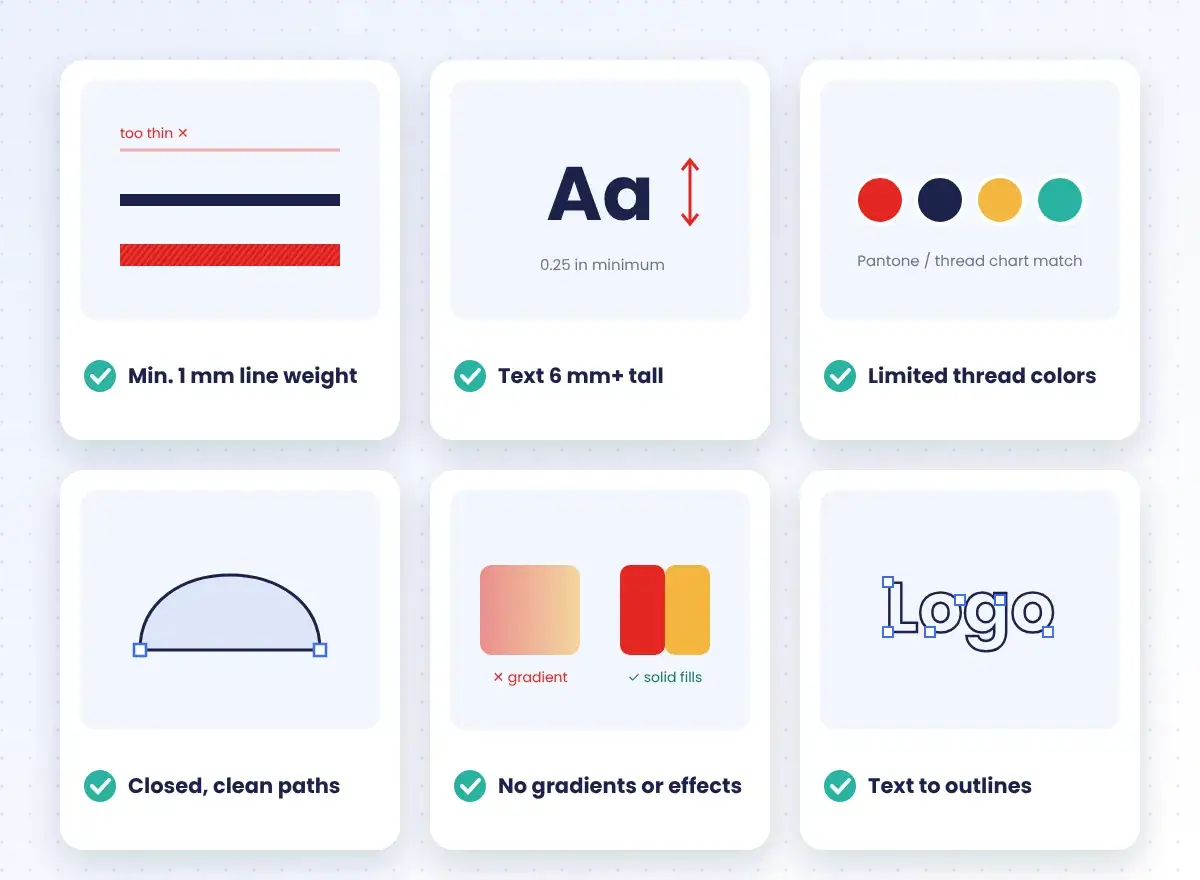
Thread is not ink. A design that looks perfect on screen can pucker, gap or lose detail on fabric. That is why every piece of embroidery vector artwork we deliver is prepared with stitching in mind:
Thin strokes are thickened so they hold a satin stitch.
Lettering kept at 0.25 in (6 mm) or taller.
Colors reduced and matched to Pantone / thread charts.
No stray nodes, gaps or overlapping junk.
Gradients and shadows converted to flat areas.
Fonts outlined so nothing changes on another PC.
GOOD TO KNOW
A vector file is the blueprint; a stitch file is the instructions for the machine. Great embroidery starts with a clean vector — it makes digitizing faster, cheaper and far more accurate.
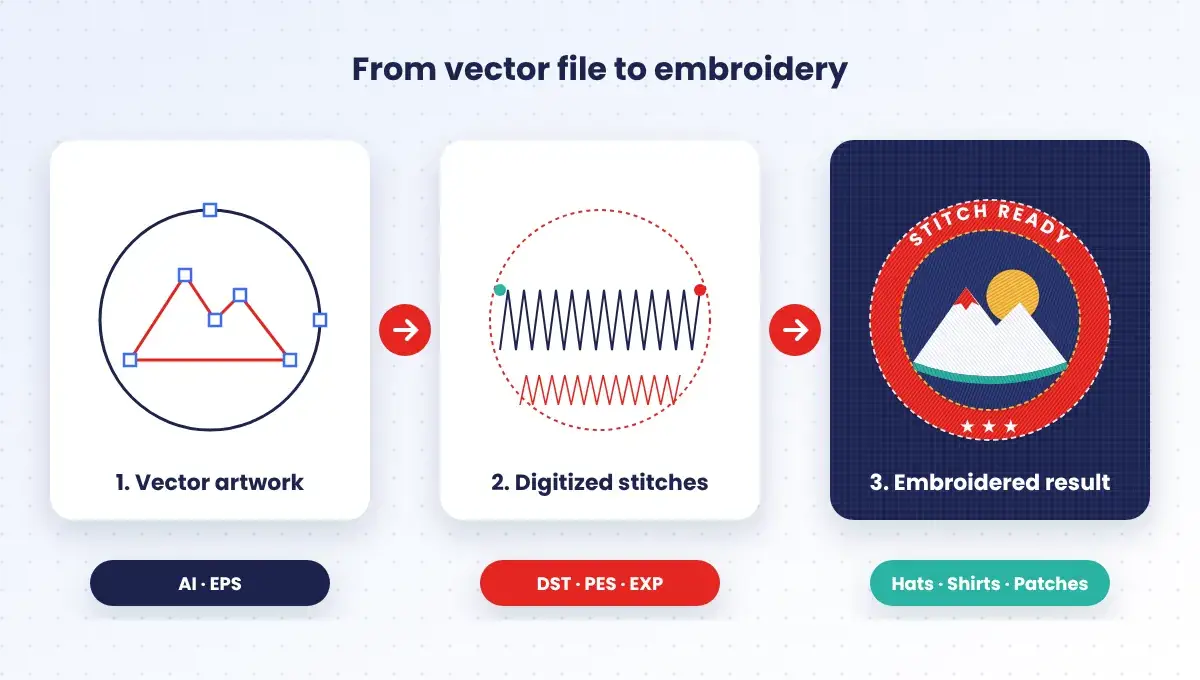
| Embroidery vector file | Embroidery machine file | |
|---|---|---|
| Formats | AI, EPS, SVG, PDF, CDR | DST, PES, EXP, JEF, VP3 |
| Made of | Paths, shapes & colors | Stitch types, directions & coordinates |
| Used for | Artwork master, digitizing, print & cutting | Running the embroidery machine |
| Scalable? | Yes — any size, no quality loss | Only slightly — needs re-digitizing |
| Created by | Vector artist (that's us) | Embroidery digitizer |
WHERE IT STITCHES
We size and simplify your artwork for the exact surface it will be sewn on — from tiny left-chest logos to large jacket backs.
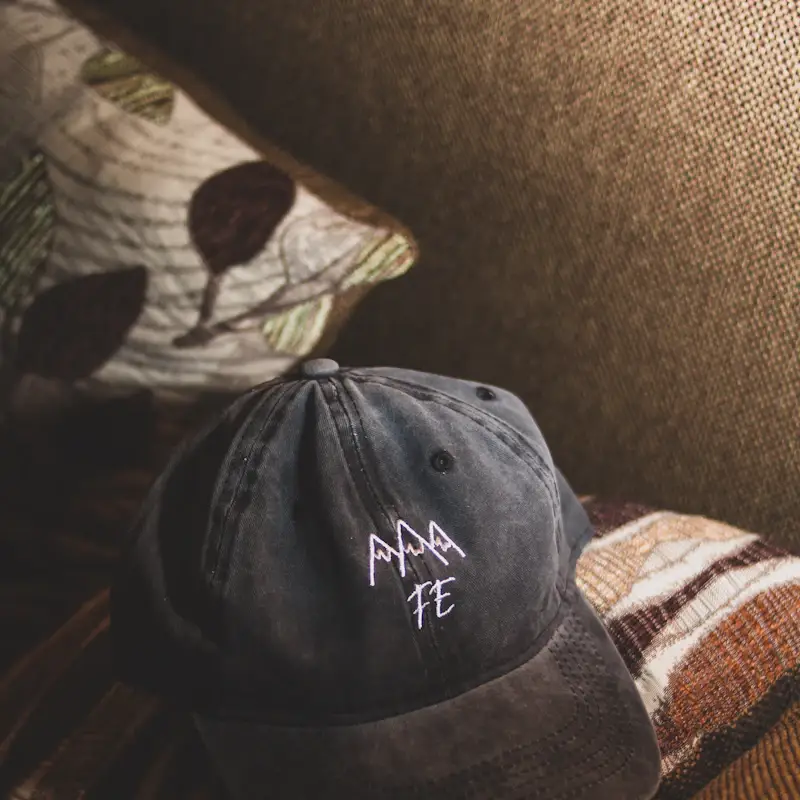
Curved-panel friendly logos with bold, simplified detail.
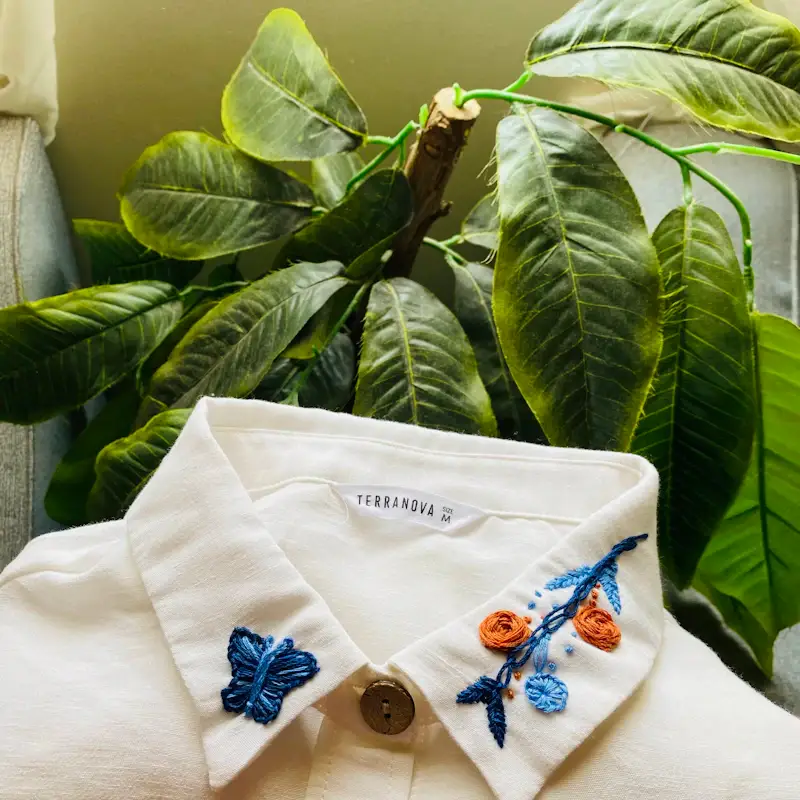
Crisp left-chest logos and collar details for polos and work shirts.
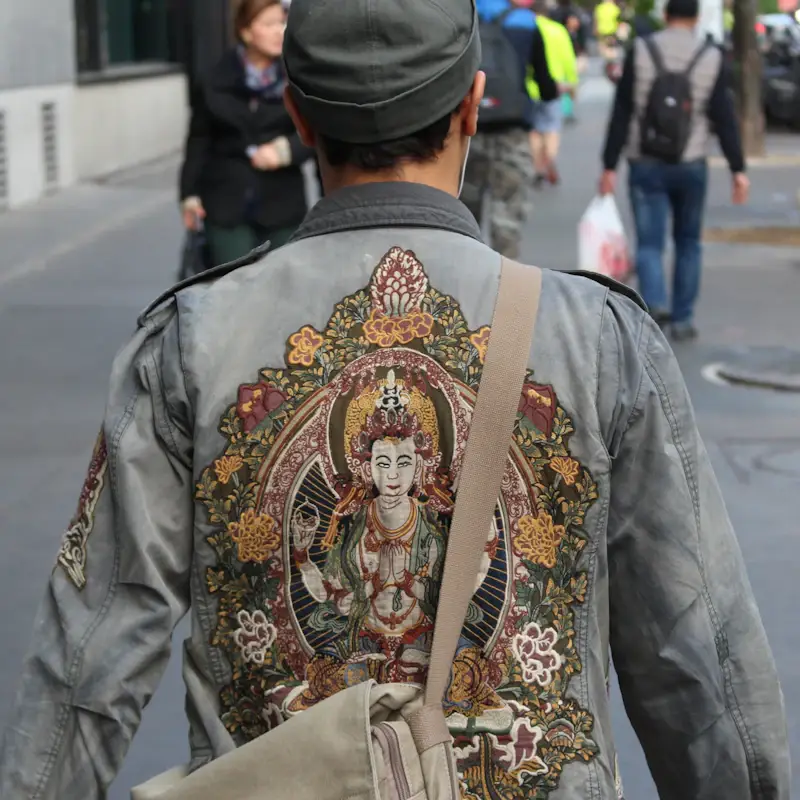
Large back designs and name tags for teams and staff.
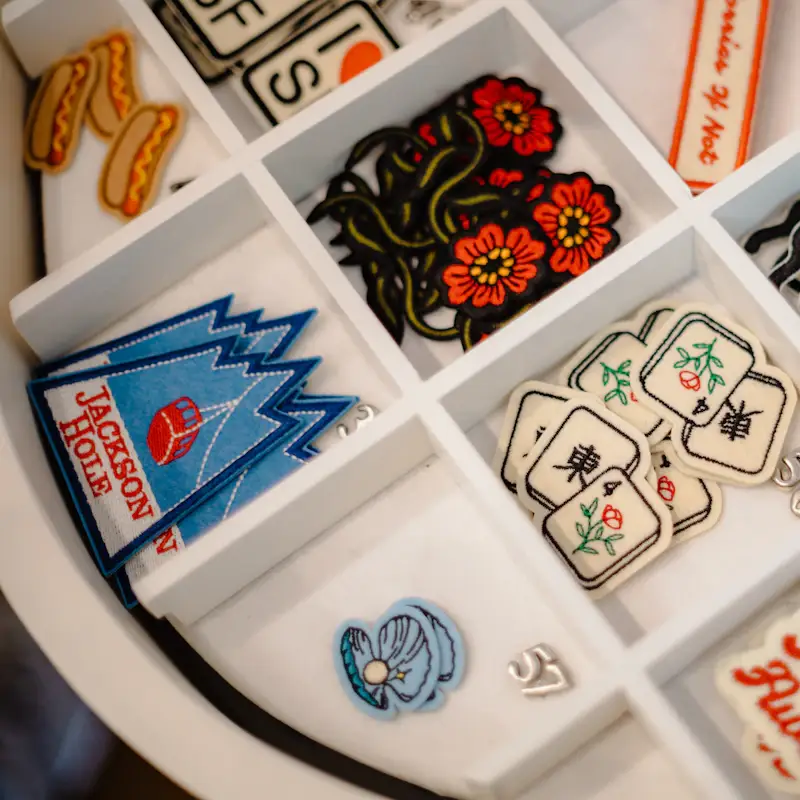
Clean borders and fills ready for merrowed edges.
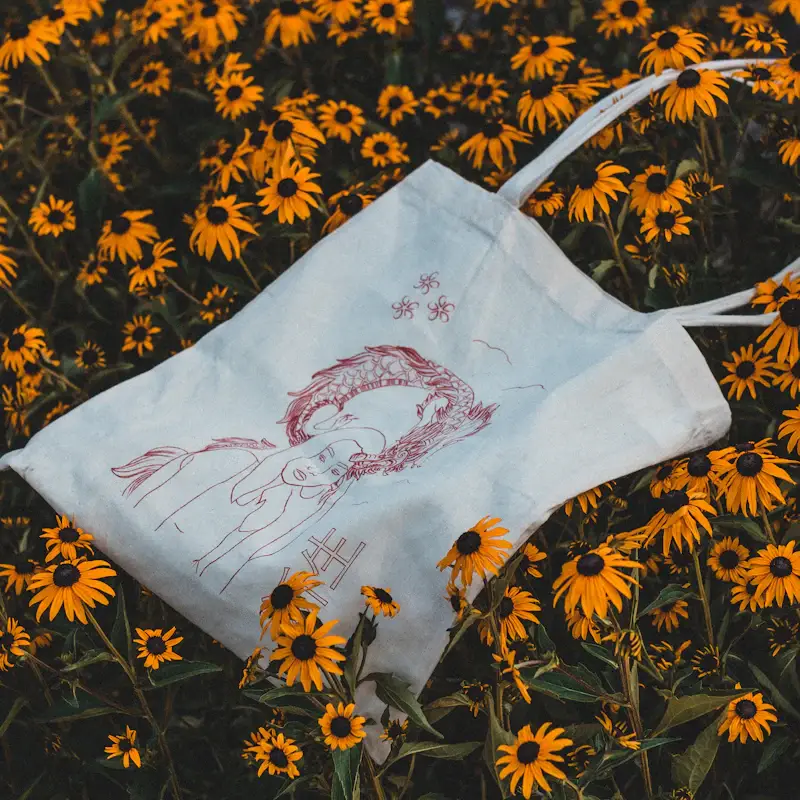
Promotional artwork that stays sharp on canvas.
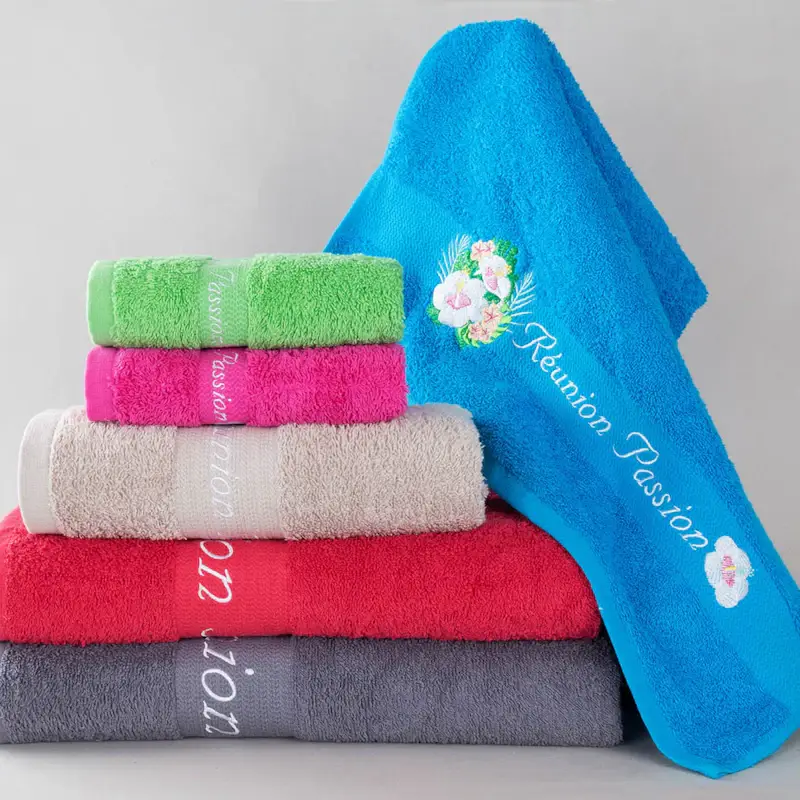
Monograms and hotel logos for terry and soft fabrics.
SIMPLE PROCESS
STEP 1
Send a JPG, PNG, PDF, photo or even a hand sketch of your logo.
STEP 2
We review the detail level and reply with a fixed price — from $5.
STEP 3
An artist redraws every curve and preps it to embroidery rules.
STEP 4
Get AI, EPS, SVG and PDF files — with free edits until you are happy.
Nationwide Embroidery Vector Service
We create embroidery vector files and stitch-ready embroidery artwork for embroidery shops, uniform suppliers, promotional product companies and brands throughout the United States, including New York, Los Angeles, Chicago, Houston, Phoenix, Philadelphia, Dallas, Austin, San Antonio, San Diego, San Jose, Seattle, Denver, Boston, Washington DC, Miami, Atlanta, Tampa, Orlando, Charlotte, Raleigh, Nashville, Detroit, Portland, Las Vegas, Minneapolis, Cleveland, Cincinnati, Kansas City, Oklahoma City, Salt Lake City, Sacramento, Fresno, Long Beach, Oakland, Riverside, Anaheim, Buffalo, Newark, Pittsburgh, St. Louis, Indianapolis, Columbus, Milwaukee, Albuquerque and hundreds of other cities nationwide — every file is delivered online, so location is never a barrier.
Wherever your shop or business is based, simply upload your logo online and receive clean, hand-drawn vector files for embroidery in AI, EPS, SVG and PDF — ready for your digitizer, usually the same day.
Get a Free Embroidery Vector QuoteQuick, clear answers to the most common questions about embroidery vector files, the best vector formats for embroidery and how to prepare artwork for stitching.
An embroidery vector file is logo or design artwork built from paths and solid color shapes instead of pixels, usually saved as AI, EPS, SVG or PDF. Because it is resolution-independent, it scales to any size without blurring and gives embroidery digitizers exact shapes to convert into stitches.
AI (Adobe Illustrator) and EPS are the best vector formats for embroidery because they keep every path, layer and color fully editable and open in most digitizing software. SVG and vector PDF are good alternatives. Vector.Center delivers AI, EPS, SVG and PDF files with every order.
No. Embroidery machines cannot sew directly from AI, EPS or SVG files. They need a stitch file such as DST, PES, EXP or JEF. A digitizer uses your clean vector file as the blueprint to create that stitch file, so a better vector leads to a cleaner stitch-out.
A vector file (AI, EPS, SVG, PDF) describes shapes, outlines and colors and can be resized freely. An embroidery file (DST, PES, EXP) describes stitch types, directions and needle coordinates for a machine. Vector art is created first; the embroidery file is digitized from it.
Yes. Our designers manually redraw low-resolution JPG, PNG, screenshot, photo or hand-sketched logos into clean embroidery vector artwork. Every curve is traced by hand, details are simplified for thread, and colors are separated so the file is ready for digitizing.
To prepare artwork for embroidery, simplify small details, thicken thin lines to at least 1 mm, keep text 0.25 inch (6 mm) tall or larger, reduce colors to match thread, remove gradients and shadows, close all paths and convert text to outlines. We apply all of these steps to every file.
For clean embroidery, keep lettering at least 0.25 inch (about 6 mm) tall and lines at least 1 mm (about 0.04 inch) thick. Smaller text and thinner lines tend to fill in, break up or disappear when stitched, especially on caps and textured fabrics like fleece or terry towels.
Most embroidery designs use 1 to 6 thread colors, and fewer colors usually means a cleaner, more affordable result. Commercial machines can handle 12 to 15 colors, but we recommend limiting and matching colors to a Pantone or thread chart so the design sews out exactly as approved.
Most embroidery vector files from Vector.Center are delivered the same day, often within a few hours. Highly detailed or multi-element artwork may take up to 24 hours. You receive a proof first, and free edits are included until you are satisfied.
At Vector.Center, embroidery vector files start at $5. The final price depends on the detail and number of colors in your artwork, and you get a fixed quote before any work begins. Every order includes AI, EPS, SVG and PDF files plus free revisions.
Send us your logo in any format and get clean, hand-drawn embroidery vector artwork in AI, EPS, SVG and PDF — prepared for digitizing, delivered same day, from just $5.
Embroidery Vector File • Vector Files for Embroidery • Embroidery Artwork • Embroidery Vector Artwork • Logo to Embroidery Vector