Same-day delivery  •  Free edits  •  100% hand-drawn

Hand-drawn AI & EPS files · Delivered same day across the USA

Image to AI & EPS Conversion Services in the USA

Vector.Center provides professional image to AI EPS conversion services in the USA for businesses, designers, print shops, and apparel brands. We convert JPG, PNG, and other raster images into clean, editable Adobe Illustrator (AI) and EPS vector files. Our manual vectorization process creates smooth paths and scalable artwork for printing, branding, signage, and commercial production.

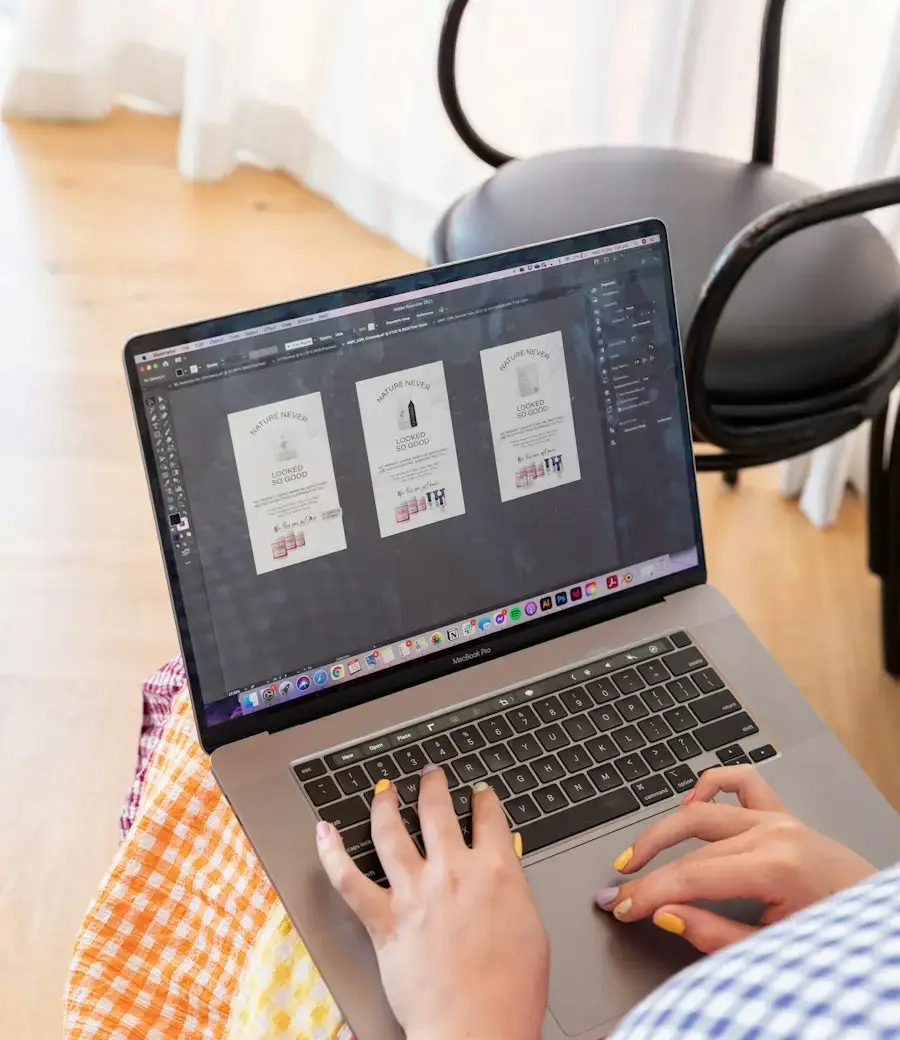
Designer converting an image to AI and EPS vector files in Adobe Illustrator
Same-Day Delivery

Most orders in 12–24 hrs

AI + EPS Included

Plus SVG & PDF files

Redrawn by hand

No auto-trace junk

CMYK & Pantone

Exact brand colors

Fonts outlined

Opens anywhere

Infinitely scalable

Card to billboard

Free revisions

Until it's perfect

Live preview

See Real Images Turned Into AI / EPS Vectors

These are real customer files our designers converted. Choose a sample and drag the slider to compare the original image with the finished, hand-drawn AI/EPS vector — the same quality you get with every order.

Original low-resolution JPG logo
Hand-drawn AI / EPS vector result
ORIGINAL IMAGEAI / EPS VECTOR
‹›
Photo · JPGSoft edges
AI / EPS vectorDelivered as AI · EPS · SVG · PDF

Real customer artwork redrawn by our designers · Drag the red handle to compare the original with the finished vector.

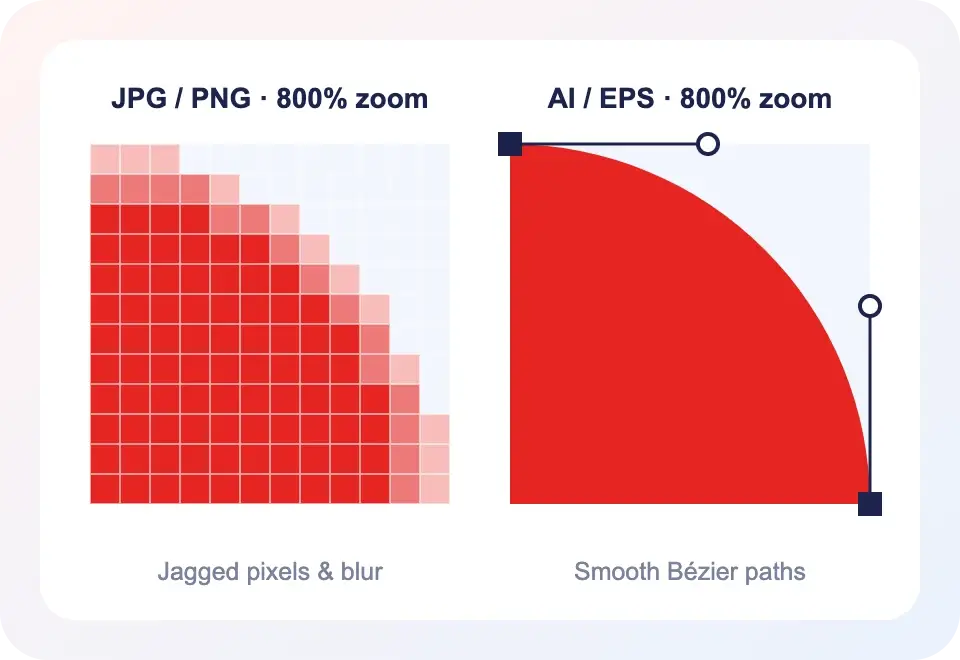
Zoomed comparison of raster JPG pixels versus smooth AI EPS vector paths
Raster to AI / EPS

What Does It Mean to Convert an Image to AI or EPS?

JPG, PNG and screenshots are raster images — grids of tiny pixels. Enlarge them and edges turn blocky and blurry. AI and EPS are vector formats built from mathematical paths, so they stay perfectly sharp at any size, and every shape, color and line is fully editable.

When you convert an image to AI or convert an image to EPS with Vector.Center, a designer redraws your artwork from scratch in Adobe Illustrator — not a one-click auto-trace. The result is a clean raster to AI/EPS conversion that printers, embroiderers, sign shops and sticker vendors accept on the first try.

File formats

AI vs. EPS — Get Both With Every Order

Not sure which vector format your vendor needs? You don’t have to choose. Every image to AI EPS conversion ships with a complete, organized file pack.

AI

Adobe Illustrator (.AI)

Your editable master file

The native Illustrator format with named layers, editable paths and swatches — ideal for designers and future brand updates.

EPS

Encapsulated PostScript (.EPS)

The universal print & production format

The format most US print shops, screen printers, embroidery digitizers, sign makers and promo suppliers ask for.

+

Bonus SVG, PDF & PNG

Included at no extra charge

Need your graphic for the web, Cricut or a quick proof? We include the extras so you’re covered everywhere.

Who it’s for

AI & EPS Files Ready for Every Production Method

From local print shops to national apparel brands, US businesses send us JPGs and PNGs every day — and get back vector files that work on the first run.

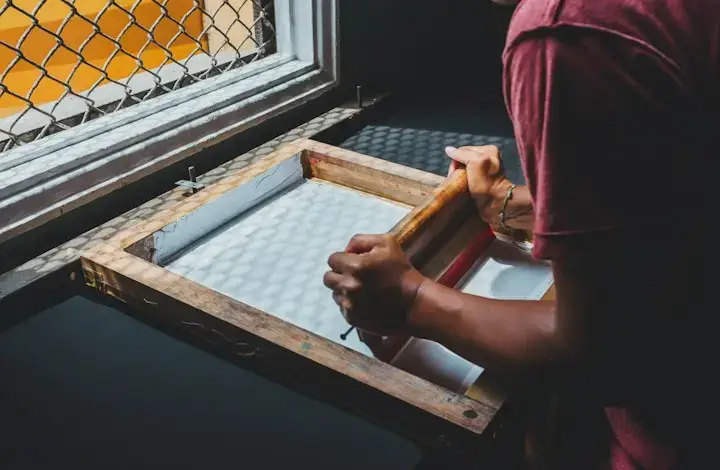
Screen printing t-shirts with EPS vector artwork

T-Shirts & Screen Printing

Color-separated vector art your screen printer can burn straight to screens.
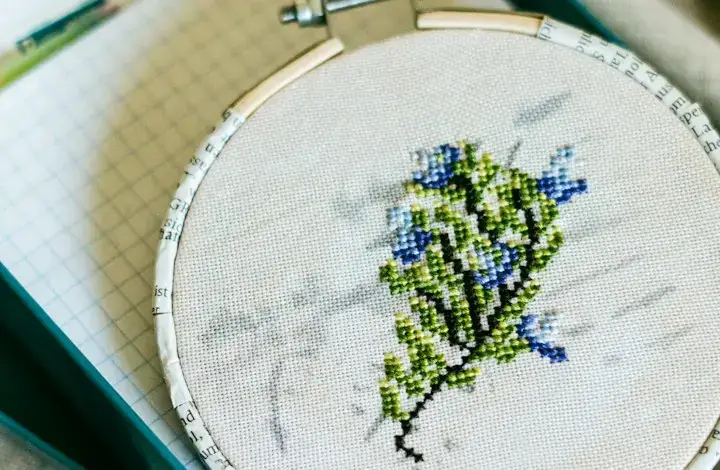
Embroidery design made from an AI vector file

Embroidery & Patches

Clean, simplified shapes that digitize into crisp stitches on caps and polos.
Storefront sign produced from an EPS vector file

Signs & Large-Format

Storefront signs, banners and vehicle wraps that stay razor-sharp at full size.
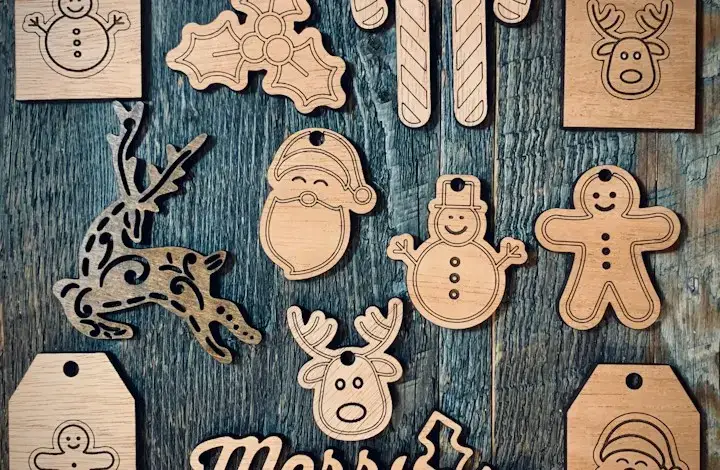
Laser engraved wood ornaments cut from AI vector paths

Laser Engraving & CNC

Single-line and filled paths ready for laser, router and plasma cutters.
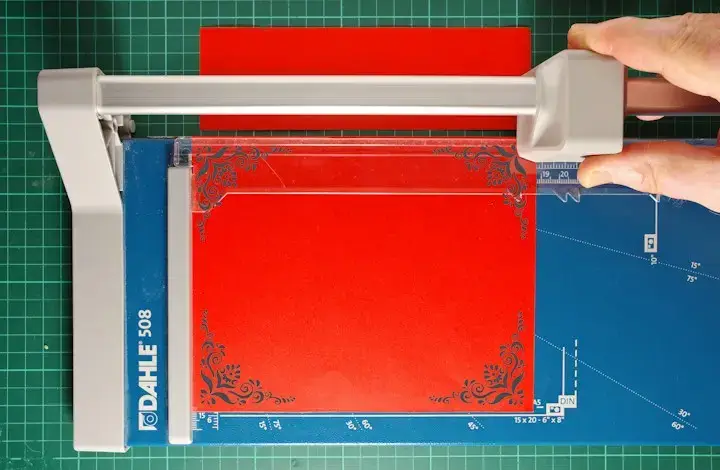
Cutting stickers and decals from a JPG to EPS vector file

Stickers, Decals & Cut Files

Closed paths for vinyl plotters, Cricut and die-cut sticker production.
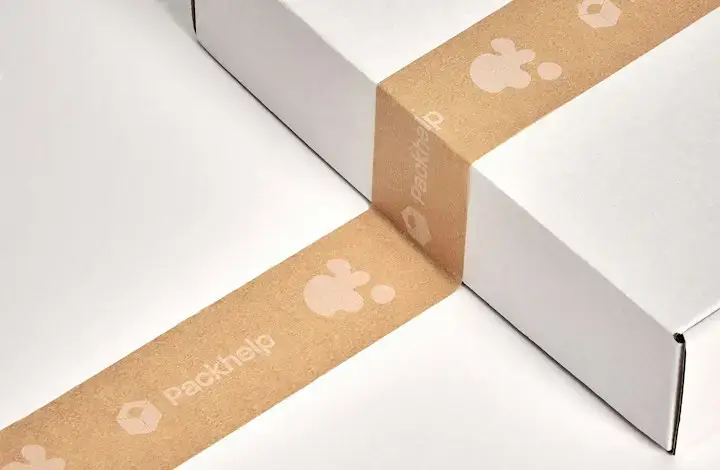
Branded packaging printed from AI vector artwork

Packaging & Labels

Brand-accurate artwork for boxes, mailers, tape, labels and product packaging.

What we convert

JPG to EPS, PNG to AI & Much More

Send whatever you have — even a phone photo of a shirt or a napkin sketch. If you can see it, we can redraw it as a sharp, editable vector.

JPG to EPS

Website logos, photos and low-quality JPG files rebuilt as print-ready EPS vectors.

PNG to AI

Transparent PNG graphics converted into layered, editable Illustrator files.

PDF to AI

Flattened or locked PDF artwork recreated as clean, editable vector paths.

Sketch to Vector

Hand-drawn sketches and napkin ideas turned into polished vector artwork.

Low-Res Logo Recreation

Blurry, pixelated or tiny logos redrawn sharp enough for billboards.

Text & Badge Artwork

Fonts identified and matched, then outlined so files open anywhere.

How it works

Image to AI & EPS in 4 Simple Steps

No software, no learning curve. You send the image — we handle the vector conversion and deliver files ready for production.

Send Your Image

Email or upload your JPG, PNG, PDF, screenshot or sketch through our quote form.

Get a Quick Quote

Tell us your colors, size and print method. Most simple logos start at just $5.

We Redraw by Hand

A vector artist rebuilds every curve in Illustrator with exact colors and fonts.

Download AI & EPS

Receive AI, EPS, SVG & PDF — usually the same day — with free edits included.

Nationwide Image to AI & EPS Service

Image to AI & EPS Conversion Across the USA

Vector.Center provides professional image to AI EPS conversion services across the USA for businesses, graphic designers, print shops, and apparel brands. We convert JPG, PNG, logos, and other suitable raster images into editable AI and EPS vector files for printing, branding, signage, packaging, and commercial production. Whether your business is in New York, Los Angeles, Chicago, Houston, or anywhere else in the United States, our online service makes it easy to submit artwork and request a quote. We prepare vector files according to your design requirements and intended application, helping you get artwork ready for professional use.

Get a Free Image to AI / EPS Quote

Image to AI & EPS FAQs

Quick, clear answers to the most common questions about converting JPG, PNG and other raster images into AI and EPS vector files.

Send us your JPG, PNG, PDF or screenshot through our quote form. A Vector.Center designer redraws it by hand in Adobe Illustrator and delivers editable AI and EPS files, plus SVG and PDF, ready for print, web and production.

Simple logos and graphics start at just $5. The final price depends on detail, number of colors and text. You always see the price before you pay, and free revisions are included.

Most orders are delivered the same day, typically within 12–24 hours. We work across every US time zone, so your vector files arrive before your next print run.

Yes. We prepare JPG to EPS and PNG to AI files for screen printing, embroidery digitizing, vinyl cutting, laser engraving, signs and large-format printing, with color separations on request.

AI is Adobe Illustrator’s native, fully editable master format. EPS is a universal vector format accepted by most printers, sign shops and production software. You receive both with every order.

Every file is redrawn manually by a vector artist — never a one-click auto-trace. That means smooth curves, minimal nodes, accurate colors and matched fonts your printer will accept on the first try.

Absolutely. Converting low-res, pixelated or blurry raster images to AI/EPS is exactly what we do. We can rebuild artwork from screenshots, phone photos, old prints and even hand sketches.

You get AI and EPS as standard, plus SVG, vector PDF and a transparent high-resolution PNG at no extra cost — covering printers, embroiderers, Cricut, websites and more.

Ready to Convert Your Image to AI & EPS?

Send us your JPG, PNG, PDF or sketch and get a hand-drawn, print-ready AI & EPS vector file from just $5 — delivered same day anywhere in the USA, with free edits until it’s perfect.

Image to AI File • Image to EPS • JPG to EPS • Raster to AI / EPS