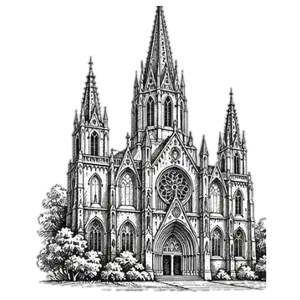
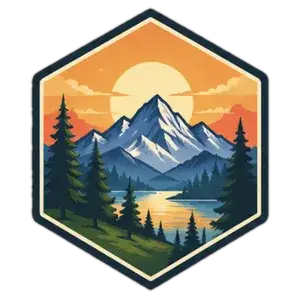
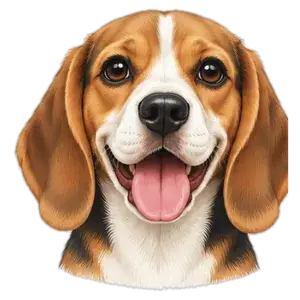
Convert JPG to SVG with 100% manual vectorization. Get clean, scalable and editable SVG files from your JPG image. Perfect for logos, icons, illustrations, sketches and more.
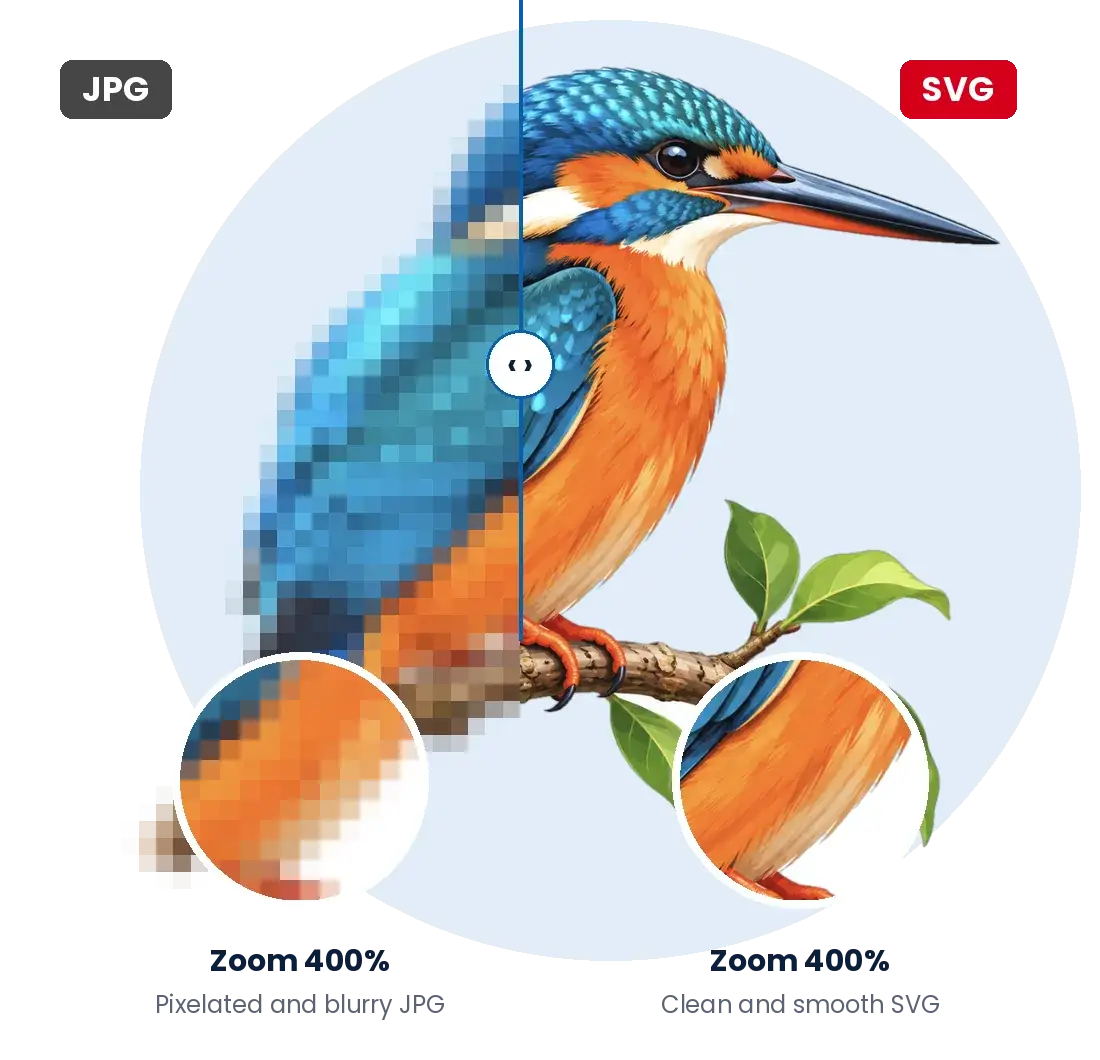
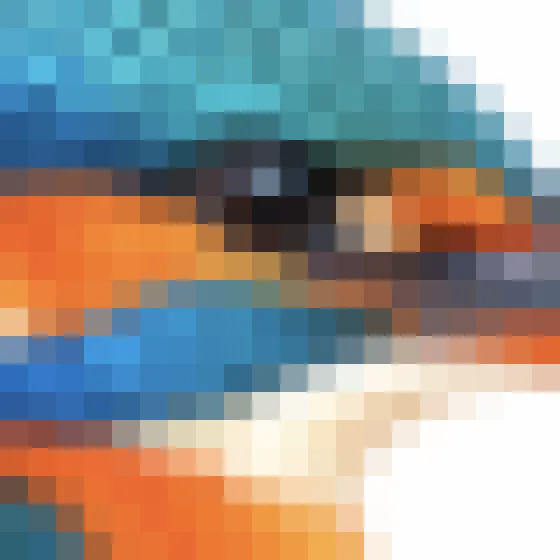
A JPG image is made up of pixels, which becomes blurry when enlarged. After JPG to SVG conversion, your image is recreated with clean, accurate vector paths, so it remains sharp at any size.
JPG (400% Zoom)SVG (400% Zoom)
Drag the arrow to compare JPG vs SVG
JPG (400% Zoom)
SVG (400% Zoom)
Our Simple Process
A simple and hassle-free process to get your custom design.
Step 1
Submit Your Image
Send us your image file in JPG, PNG, PDF, BMP, GIF, TIFF, or any other format.
Step 2
Receive a Quote
Our team evaluates the artwork and provides a fast, transparent quote.
Step 3
Manual Vector Conversion
Experienced artists carefully recreate the image into a clean vector format.
Step 4
Quality Review
Every file is reviewed to ensure accuracy, scalability, and print readiness.
Step 5
Final Delivery
Receive your completed vector files in the formats you need.
Perfect for All Types of Artwork
Convert JPG to SVG for a wide range of images with high accuracy and clean vector paths.
Logos
JPG to SVG for logos
Icons
JPG to SVG for icons
Illustrations
JPG image to SVG for illustrations
Product Artwork
Convert JPG to SVG for product designs
Sketches
JPG to SVG for sketches
Badges & Stickers
JPG to SVG for badges
Cartoons
Convert to SVG for cartoon art
Scalable Vector Files for Any Use
SVG is a scalable vector format that can be resized to any size without losing quality. After JPG to SVG conversion, you get clean, editable files that are perfect for web, print, branding, merchandise and more.
Our JPG to SVG conversion service gives you high-quality vector files that are ready for any use.
Fully Scalable
Resize to any size without pixelation.
Editable Paths
Easily customize colors, shapes and details.
Clean & Smooth Edges
Professional and accurate results.
Wide Compatibility
Use SVG files in Adobe Illustrator, CorelDRAW, Inkscape, Cricut and more.
Nationwide Service
Serving Clients Throughout the USA
We proudly provide Image to Vector Conversion Services throughout the United States, including New York, Los Angeles, Chicago, Houston, Phoenix, Philadelphia, Dallas, Austin, San Antonio, San Diego, San Jose, Seattle, Denver, Boston, Washington DC, Miami, Atlanta, Tampa, Orlando, Charlotte, Raleigh, Nashville, Detroit, Portland, Las Vegas, Minneapolis, Cleveland, Cincinnati, Kansas City, Oklahoma City, Salt Lake City, Sacramento, Fresno, Long Beach, Oakland, Riverside, Anaheim, Buffalo, Newark, Pittsburgh, St. Louis, Indianapolis, Columbus, Milwaukee, Albuquerque and hundreds of additional cities nationwide.
No matter where you are located, you can easily submit your artwork online and receive professionally vectorized files quickly.
JPG to SVG conversion turns a pixel-based JPG image into an SVG vector file made of paths, shapes and curves. Our designers redraw your JPG by hand, so the SVG stays sharp and clean at any size.
A JPG gets blurry and pixelated when enlarged, while an SVG can be scaled from a business card to a billboard without losing quality. SVG files are also editable, lightweight and ideal for logos, icons, printing and cutting machines.
Yes. Because every file is vectorized manually, we can recreate low-resolution, blurry or pixelated JPGs as crisp SVG artwork, rebuilding the details instead of just tracing the pixels.
Most JPG to SVG orders are delivered the same day. Simple logos and icons are often ready within a few hours, while highly detailed artwork may take a little longer.
Yes. You receive clean, layered vector paths, so you can easily change colors, resize elements, edit text or adjust shapes in any vector editing software.
Enlarging a JPG only stretches its pixels, which makes the image blurry. Converting JPG to SVG recreates the artwork as vector paths, so it stays perfectly sharp no matter how large you make it.
Yes. We prepare cut-ready SVG files with clean, closed paths that work with Cricut, Silhouette, laser engravers, CNC machines, vinyl cutters and embroidery digitizing.
Absolutely. Our designers handle detailed illustrations, mascots, sketches, badges and multi-color artwork, carefully redrawing every element by hand for an accurate SVG result.