Same-day delivery • Free edits • 100% hand-drawn
Our JPG to vector conversion service transforms raster images into clean, scalable vector artwork through professional manual tracing. We convert JPG images into editable AI, EPS, SVG, and PDF formats for printing, branding, signage, embroidery, and other design applications.
Our designers carefully recreate shapes, smooth curves, and fine details to match your original artwork. Whether you need a logo or complex graphic converted, we deliver versatile vector files tailored to your project requirements.
See how JPG to vector conversion looks
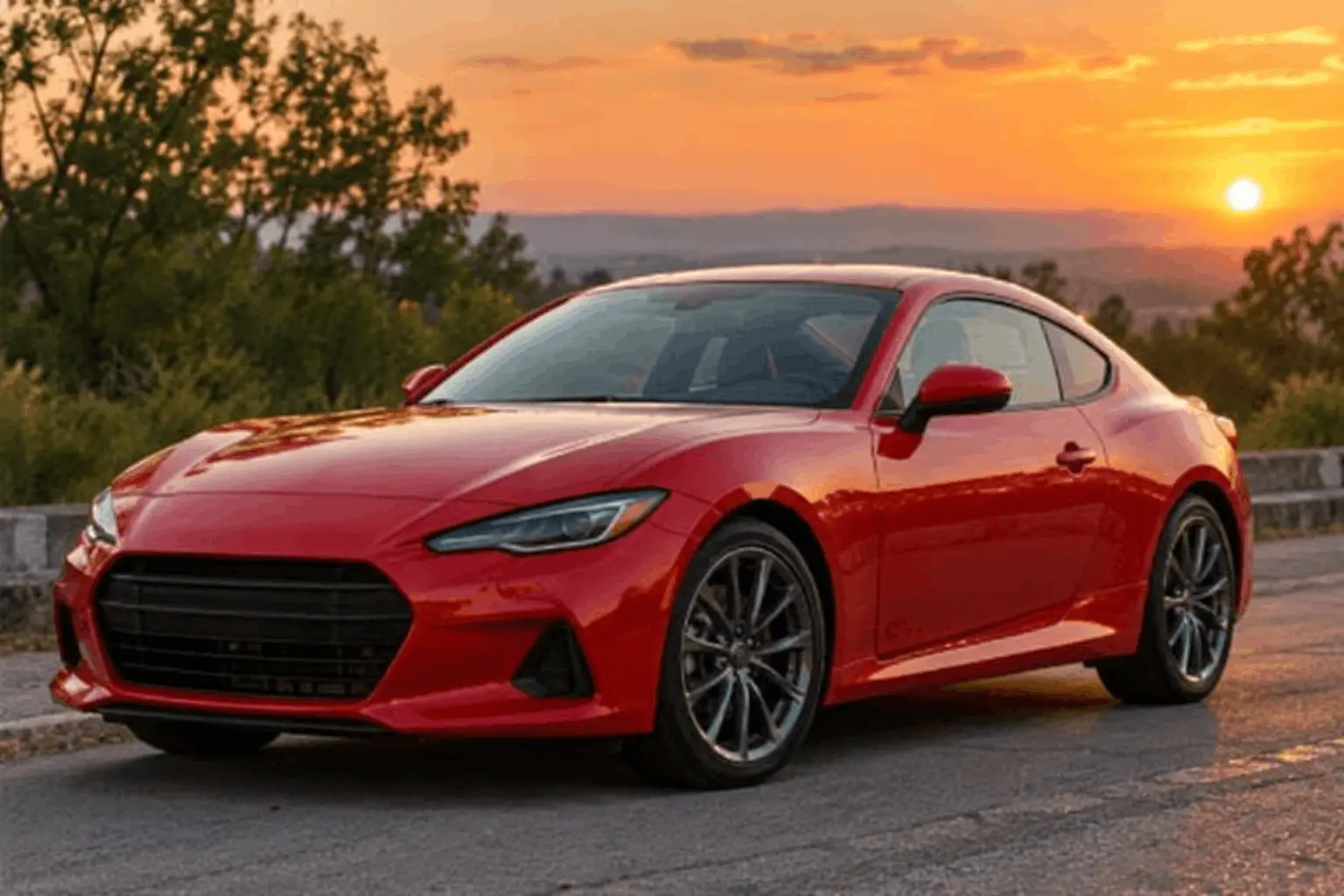
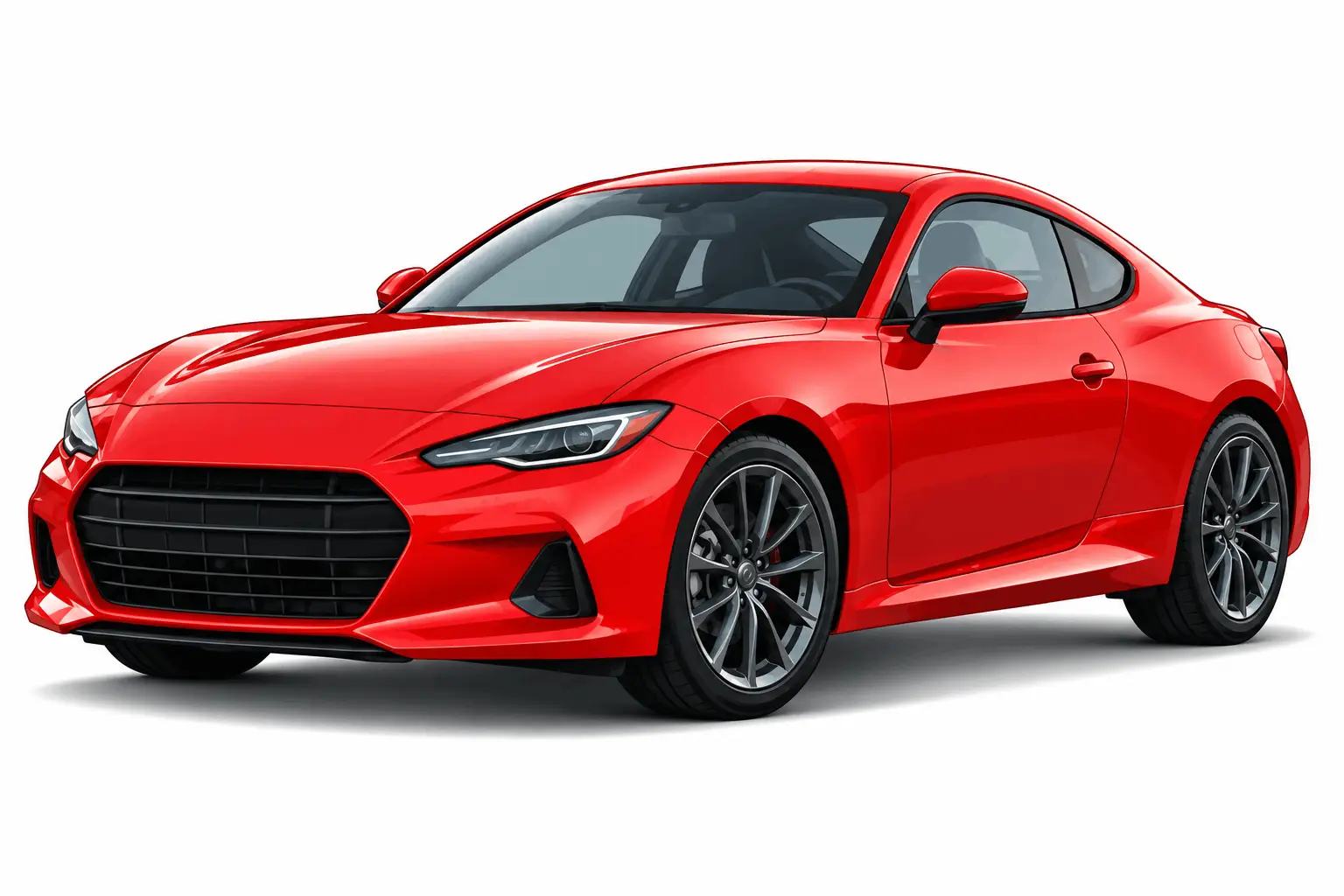
Left half is the original low-quality JPG, right half is the converted vector. Drag the slider and zoom in: the JPG turns blurry and pixelated, while the vector keeps clean, sharp lines and colors.
Vector
Files
Delivery
Edits
High Resolution
JPG images can become blurry when enlarged. Our JPG to vector conversion creates editable vector paths with smooth curves and clean shapes for scalable, high-quality designs.
No auto-tracing. Clean, professional vectors.
Smooth curves and accurate details for perfect results.
Same-day delivery for most designs.
Optimized for print, merchandise and large format use.
Unlimited free modifications for your satisfaction.
Transparent pricing starting at just $5.
We convert all kinds of JPG images to vector with high accuracy and detail.
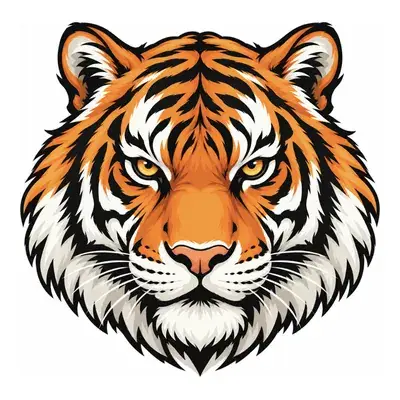
Convert JPG logo to vector
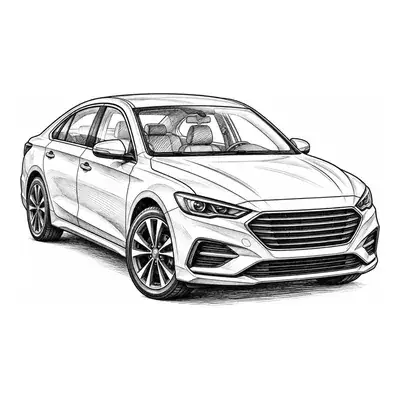
Convert hand-drawn JPG to vector
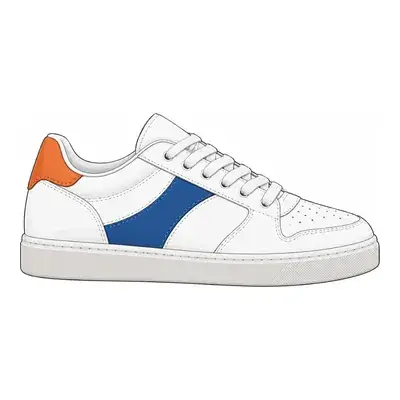
Convert product JPG to vector
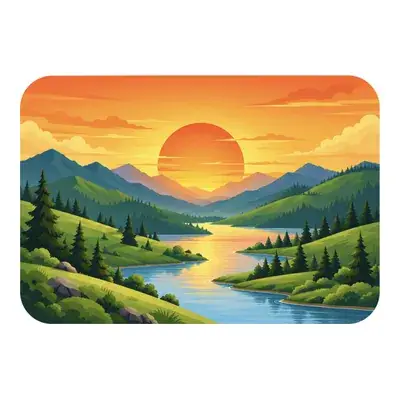
Convert artwork JPG to vector
Convert JPG to EPS for print
Convert JPG image to vector
Send us your JPG image to vector. Our team reviews the file and provides a quick quote.
We manually convert your JPG to vector with precise paths and clean details.
Get your vector files in AI, EPS, SVG, PDF or any other format you need.
Everything you need to know about our image vectorizer.
To turn a JPEG into a vector file, its shapes must be redrawn as paths, either by auto-trace software or by hand. For clean, accurate results, upload your JPG to us. Our designers manually vectorize it and deliver AI, EPS, SVG and PDF files, usually the same day, starting at $5.
No. JPG is a raster (bitmap) format made of pixels, so it becomes blurry or pixelated when enlarged. Vector formats like AI, EPS, SVG and PDF use mathematical paths and stay sharp at any size, which is why logos and print artwork need a vector version.
The most common vector file types are AI (Adobe Illustrator), EPS, SVG and PDF (when saved with vector data). JPG, PNG, GIF and BMP are raster files. We deliver your converted artwork in all four main vector formats, ready for print, web and editing.
SVG is one type of vector file, but not the only one. SVG is best for websites and digital use, EPS and PDF are preferred for professional printing, and AI is best for editing in Illustrator. Every order includes SVG along with AI, EPS and PDF.
Yes. Free tools like Adobe Express, Canva and Inkscape can auto-trace an image into a vector. However, auto-tracing often creates rough edges, extra nodes and lost detail, especially with logos, text or low-quality images. For print-ready results, manual vectorization starting at $5 is the more reliable choice.
Yes. Canva has an AI vectorizer that converts JPG and PNG images to SVG automatically. It works for simple graphics, but complex logos, fine text and blurry images often need manual cleanup. Our hand-drawn vectorization delivers precise paths ready for print and large-format use.
ChatGPT can write simple SVG code, but it cannot reliably convert a detailed JPG into an accurate, clean vector. The results often miss shapes, proportions and fine details. For a vector that matches your original artwork exactly, manual conversion by a designer is the most accurate option.
Yes. AI vectorizers can convert a JPG to vector in seconds, but they trace pixels automatically, so the output often has uneven curves and inaccurate details. Our designers redraw your image 100% by hand, with no auto-tracing, for smooth, professional, production-ready vectors.
To vectorize a photograph, a designer redraws its main shapes, tones and details as vector paths, creating a scalable illustrated version of the photo. Auto-trace tools usually turn photos into messy blobs, so photos are best converted manually for clean, recognizable results.
You can convert a JPEG to SVG with auto-trace tools or have it manually vectorized for higher quality. Simply renaming the file or saving it as SVG does not create a true vector. Send us your JPEG and we will return a hand-drawn SVG, plus AI, EPS and PDF versions.
PNG to vector works the same way as JPG to vector: the image is redrawn as scalable paths. We manually convert PNG, JPG and other raster images into clean vector files in AI, EPS, SVG or PDF format, with same-day delivery for most designs.
Our image vectorization starts at just $5. The final price depends on the complexity of the artwork, such as detail level and number of colors. Every order includes same-day delivery for most designs, unlimited free edits and no hidden charges. Get a free quote before you pay.
Turn your raster artwork into scalable graphics that are ready for your next project.
Convert jpg to vector • JPG image to vector • JPG vector conversion • JPG to eps